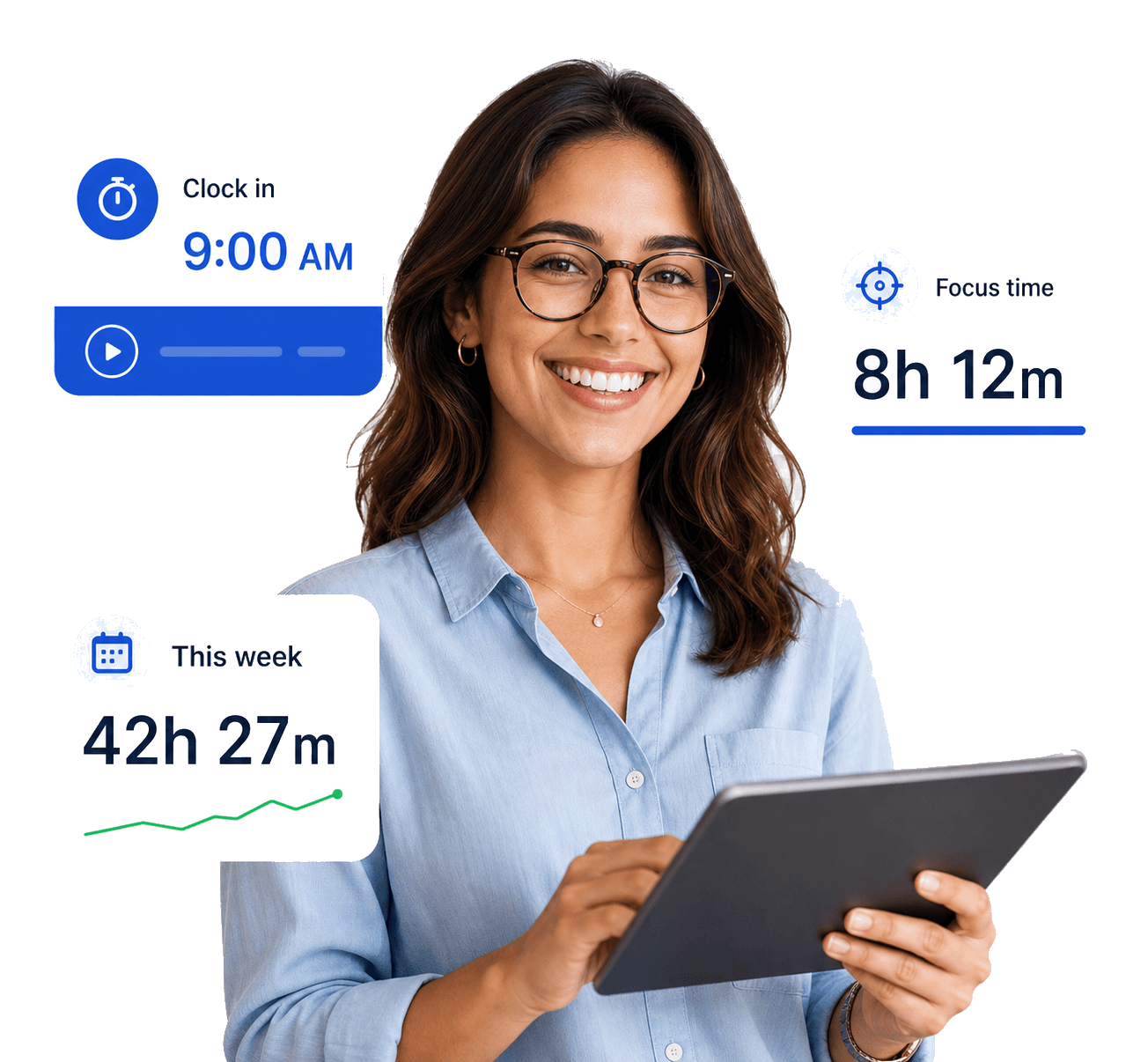
Desktop tracker
Time Tracking
Team members start a timer against an assigned project and stop it when they are done. No spreadsheets, no manual entry.
- Log work time clearly by assigned project
- Track work without manual spreadsheets
 FocusTrack
See how distributed work actually happens
FocusTrack gives leaders the clarity to manage distributed teams with confidence and gives teams the trust that comes from knowing exactly what is tracked and why.
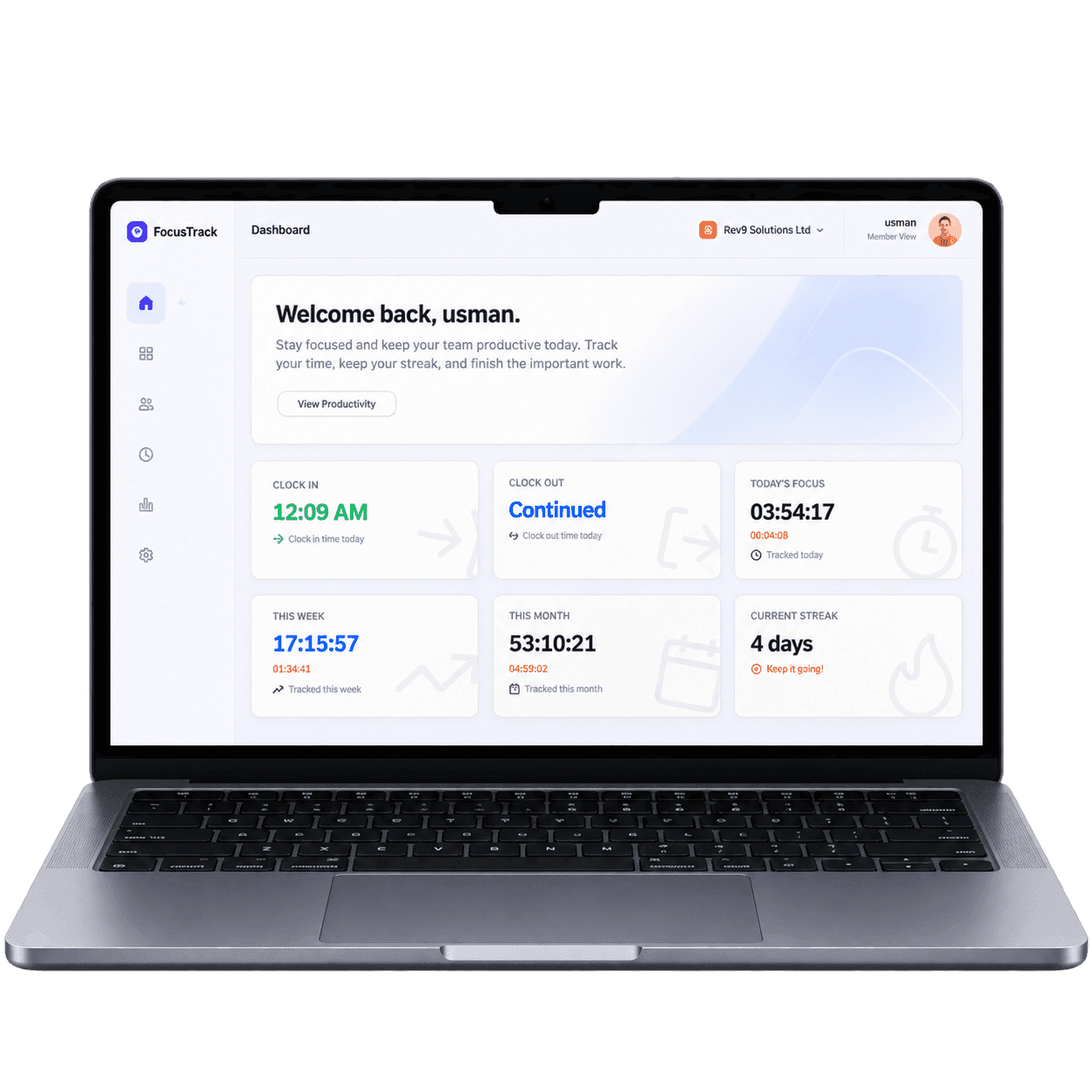
Platform
Track time, understand productivity, and review team performance without turning daily work into guesswork.
Desktop tracker
Team members start a timer against an assigned project and stop it when they are done. No spreadsheets, no manual entry.
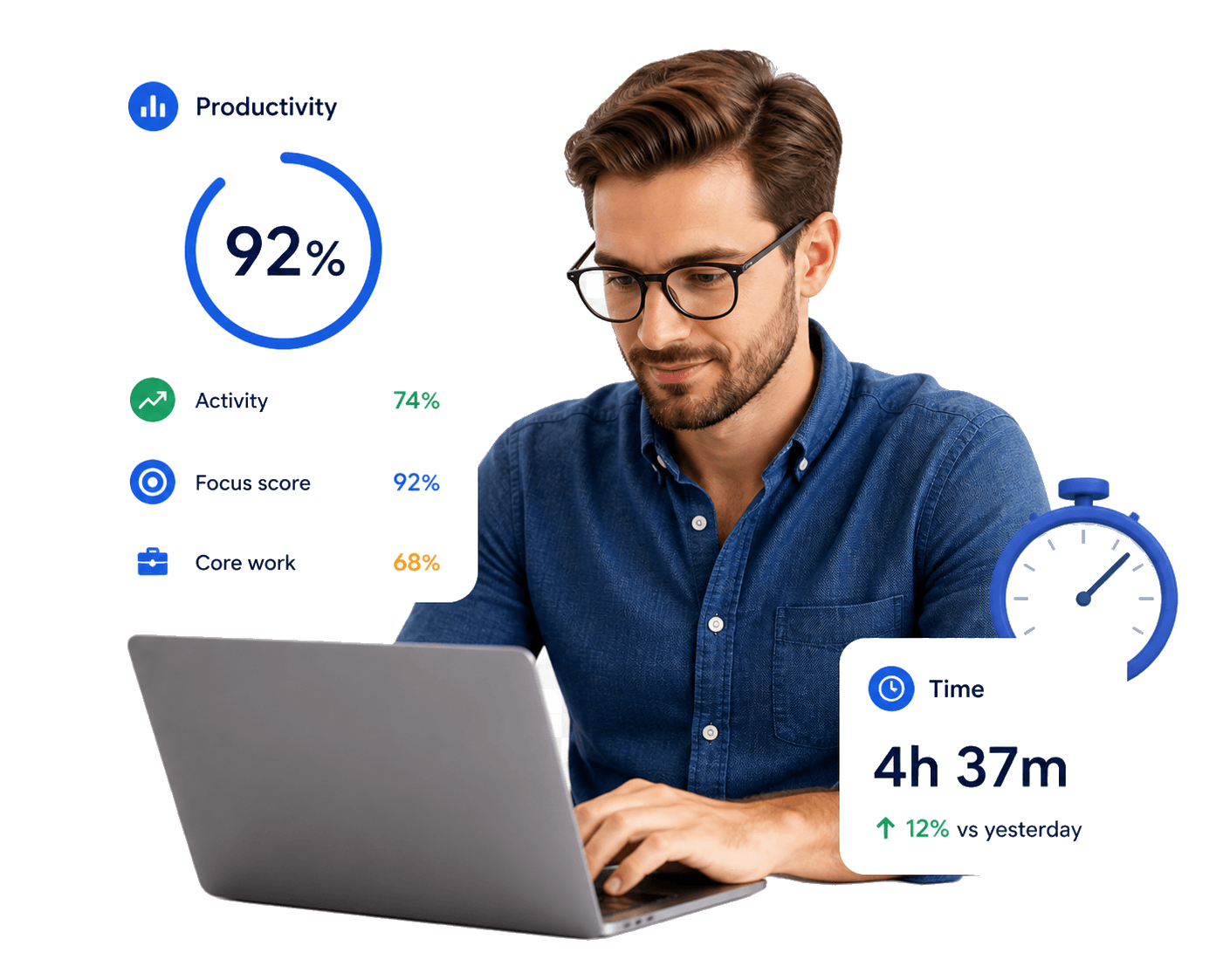
Configurable policy
Measure productivity using keyboard and mouse activity, screenshots, or both, so scoring fits how your team actually works.

Review-ready
See productivity scores, time totals, and ranked app activity for every team member in weekly or monthly performance reviews.
Proof points
FocusTrack turns time, activity, screenshots, and reporting into a clearer operating rhythm for distributed teams.
Transparency
FocusTrack should never feel like a hidden black box. Leaders get usable data, and teams can see the rules behind the numbers.
Every FocusTrack team member can see exactly what is tracked and when. Screenshot frequency, quality, and delete permissions are set at the organization level.
Organizations choose how unproductive time is measured, how idle time is handled, and what happens when a screen locks: stop, pause, or continue.
Every report and payroll number traces back to a tracked event evaluated against the organization's timezone and work-hour policy.
Pricing
Start with the essentials or scale into deeper monitoring and higher screenshot controls. The developer API is included on Premium only. Every plan includes a 30-day free trial.
Why it matters
Distributed teams lose time when leaders rely on assumptions and team members feel unclear about what is being measured. FocusTrack gives both sides a shared view of time, activity, screenshots, policies, and reports, so work can be reviewed fairly and decisions can be made with confidence.
See where time goes, identify blockers early, and manage output without chasing updates.
Know exactly what is tracked, when screenshots happen, and how productivity is measured.
Turn work records into cleaner reports, reviews, payroll references, and client visibility.
Use cases
Verify time worked and output quality across distributed contractor or employee teams.
Give clients transparent, auditable time and activity records for every VA placed.
See what is happening across a fully remote team without micromanaging anyone.
Apply one consistent productivity standard across office and remote work.
FAQ
FocusTrack is time tracking and productivity software for agencies, BPOs, virtual assistant companies, and remote-first teams. It combines time tracking, screenshot monitoring, team management, payroll, and reporting.
FocusTrack has three pricing tiers: Basic at $1 per user per month, Advance at $2 per user per month, and Premium at $5 per user per month. All plans include a 30-day free trial.
FocusTrack is $1, $2, or $5 per user per month. Hubstaff's published annual rates are Starter $4.99, Grow $7.50, Team $10, and Enterprise $25 per user per month. Monthly-billing rates were not shown on the official pricing page. See hubstaff.com/pricing. Time Doctor publishes Basic at $8 per user per month month-to-month, or $6.67 and $6.70 billed annually; Standard at $14, or $11.67 and $11.70 billed annually; and Premium at $20 month-to-month, or $16.70 billed annually. Monitask publishes Pro at $7.99 per user per month, or $6.49 on annual billing; Business at $10.99 or $8.99; Business Premium at $15.99 or $12.99; and Enterprise at $19.99 or $15.99. Prices checked 16 Nov 2026. See FocusTrack vs Hubstaff and FocusTrack vs Time Doctor.
Payroll is included on Advance and Premium, not on Basic. It is generated from tracked hours.
Yes. Every plan captures screenshots while the timer is running. The shortest interval is 10 minutes on Basic, 4 minutes on Advance, and 3 minutes on Premium. Storage is capped at 2 GB, 5 GB, and 12.5 GB per member. FocusTrack does not delete time logs or screenshots because of their age. A weekly job removes a member's oldest screenshots only when they are over that cap.
Start a free trial or book a short demo. Every plan includes a 30-day free trial.