Desktop app & time tracking

Track work as it happens, not after everyone forgets

FocusTrack gives every team member a clear desktop workflow for clocking in, selecting the right project, and recording time with less manual admin.

Desktop app & time tracking

01

A simple tracker for daily work

The desktop app keeps time tracking close to the work itself. Team members can start, pause, and stop tracking without opening spreadsheets or reconstructing their day later.

  • Clock in and out from a focused desktop flow
  • Track time against assigned projects
  • Keep the workday visible without extra manual reporting
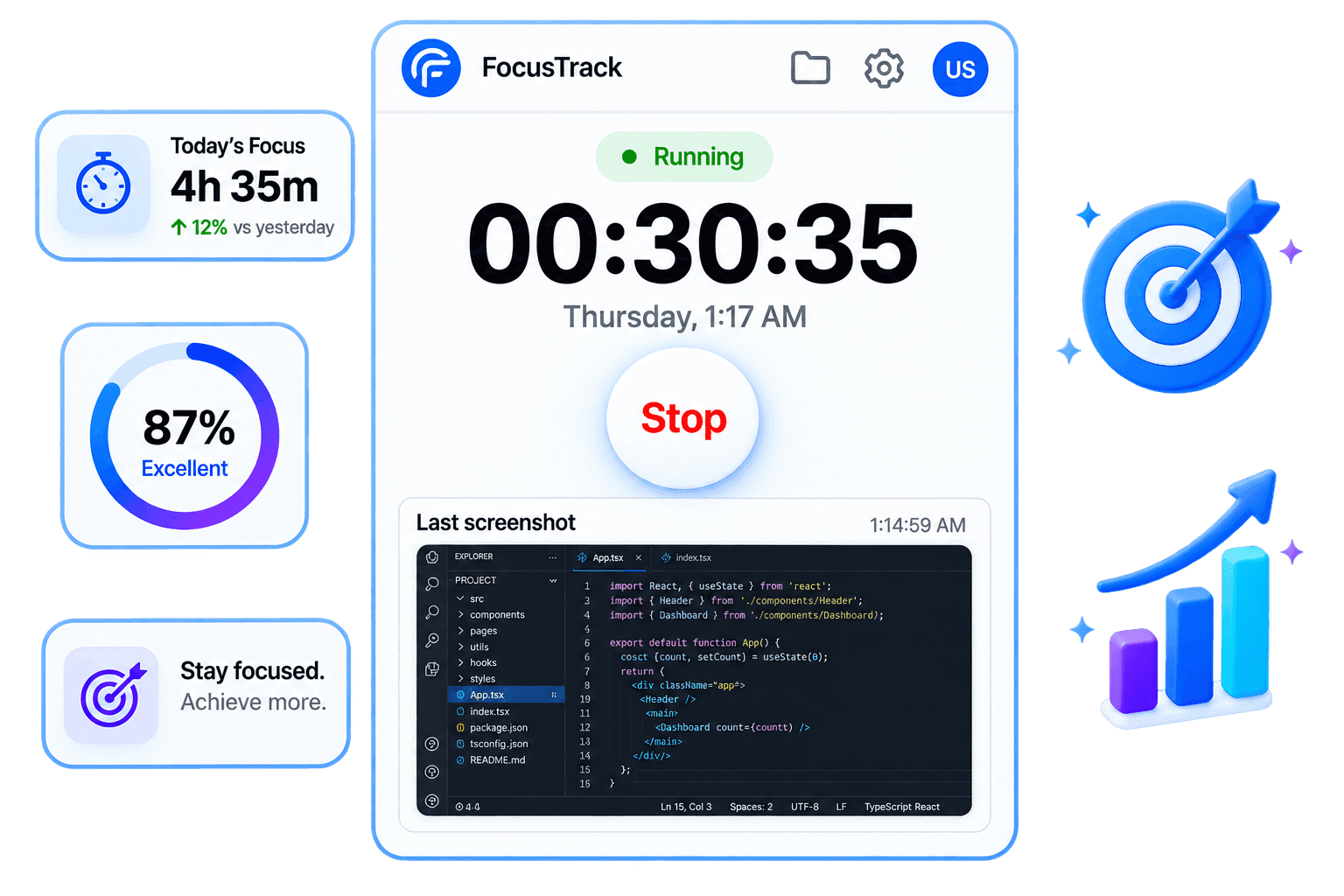
Desktop app preview

Desktop app & time tracking

02

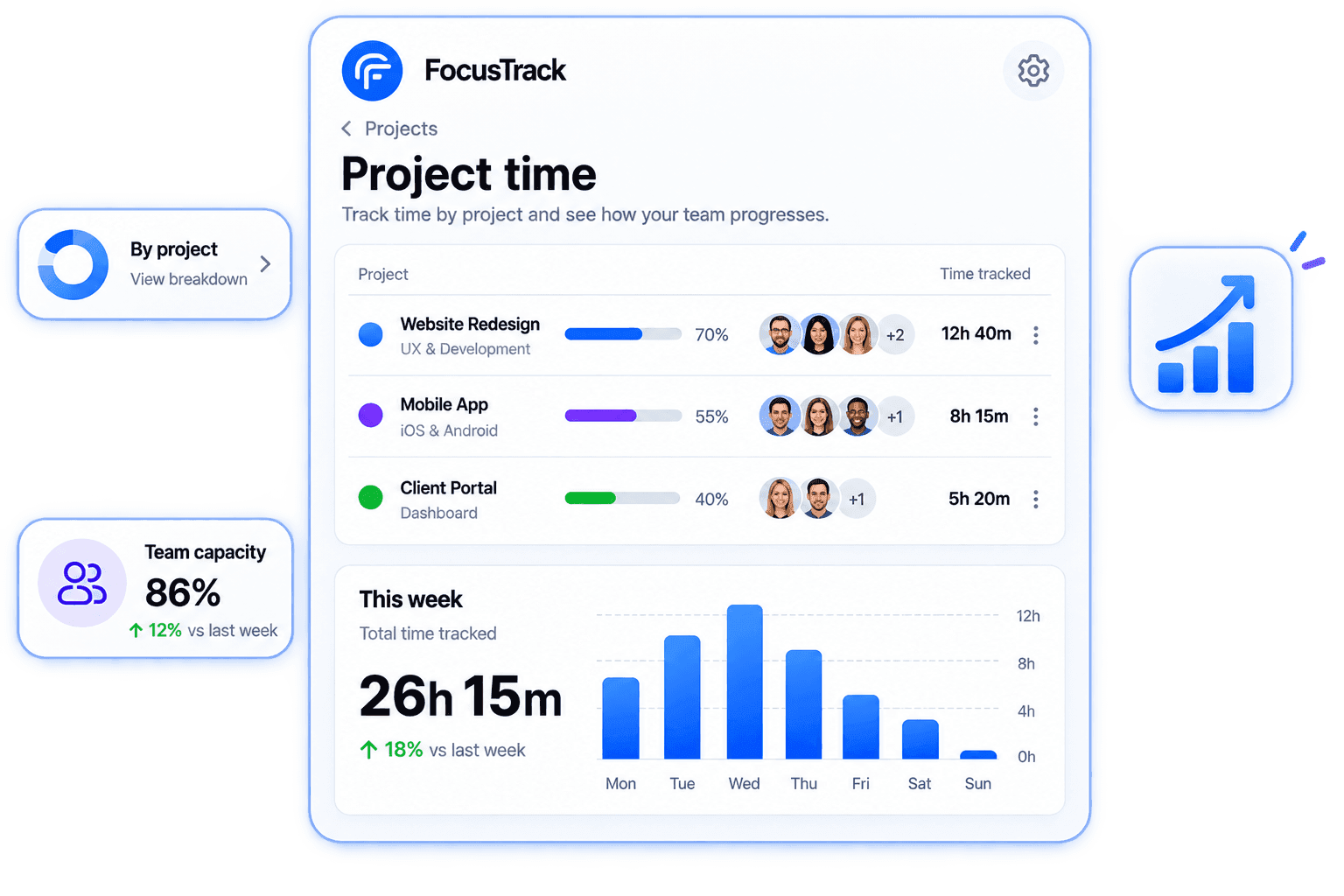
Time records stay tied to the right work

Leaders can review time by person, project, and period, making project cost, capacity, and accountability easier to understand.

  • Project-level time totals
  • Clear member-level work records
  • Useful history for reviews, clients, and payroll
Project time preview

Desktop app & time tracking

03

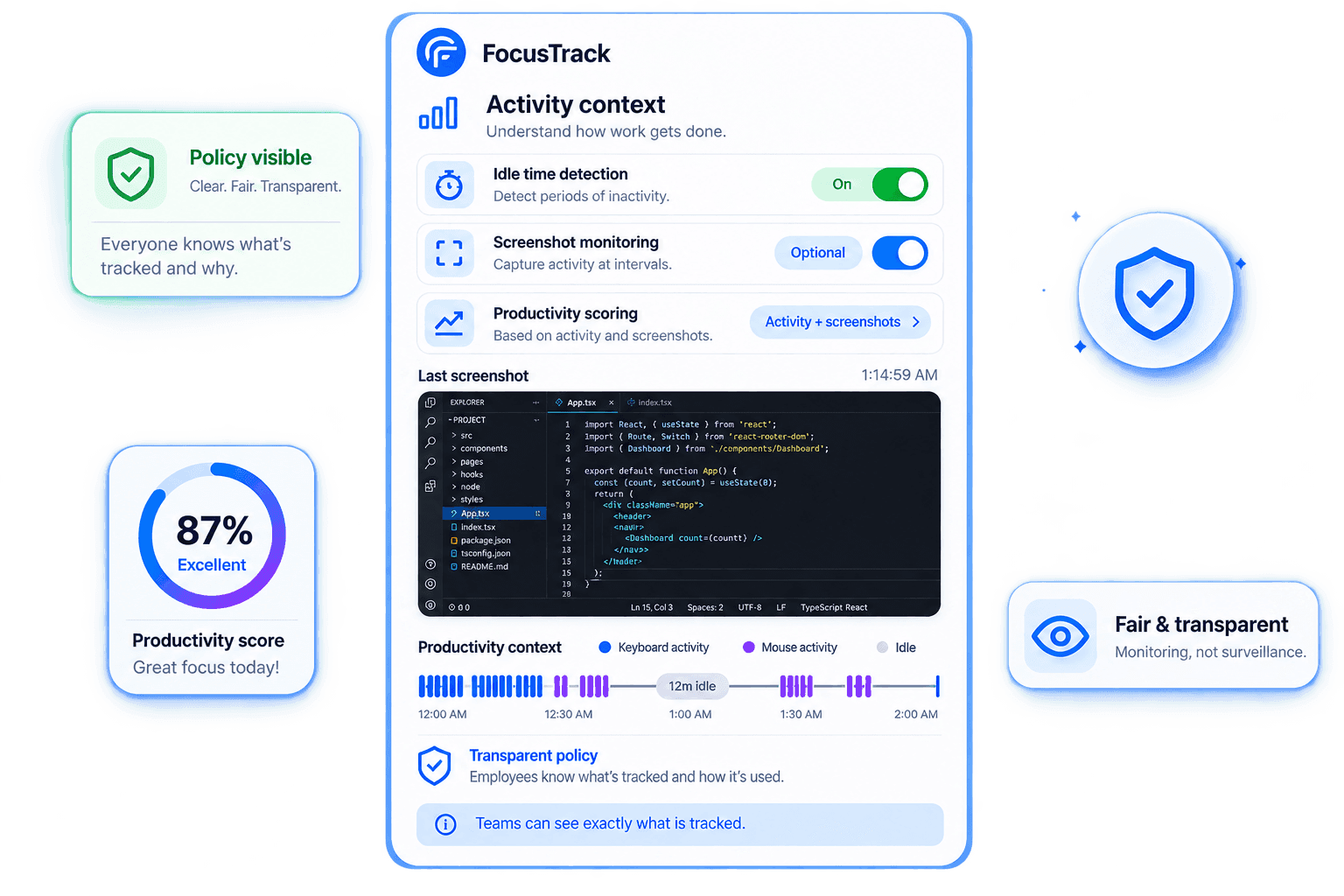
Add context without turning tracking into pressure

Activity, idle time, and optional screenshot settings can be configured around company policy so teams know how the numbers are created.

  • Configurable idle-time behavior
  • Transparent screenshot rules
  • Productivity context connected to real tracked time
Activity context preview

Ready to give your team the clarity it deserves?

Start a free trial or book a short demo. No credit card, no pressure, just a clearer view for leaders and a fairer one for teams.

START FREE TRIAL
Desktop App & Time Tracking | FocusTrack